 Sunreach
Travel · Updated
Will my hotel balcony or terrace get sun?
A sun planner can reveal whether the hills around a property shade an outdoor area at breakfast or lunch. An exact balcony needs a closer check of floor height, roofs, trees and neighbouring buildings.
Sunreach is a 3D and AR sun tracker for iPhone and iPad, coming soon to the App Store. This guide describes the current app; planned upgrades are listed separately. Terrain coverage varies by location.
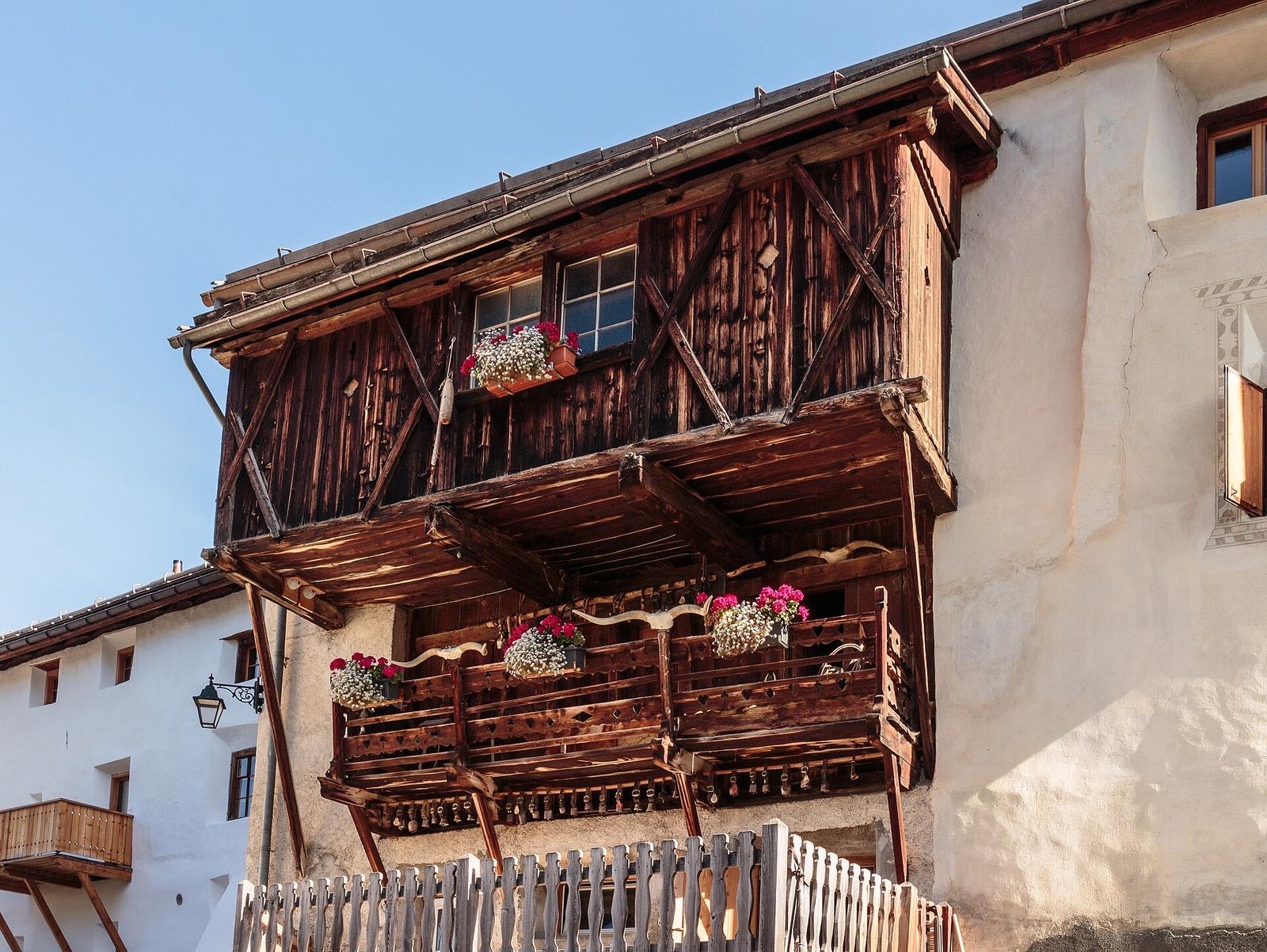
Can a sun planner tell whether a hotel terrace gets sun?
It can help estimate when surrounding terrain blocks the sun at a selected pin. An exact terrace or balcony also depends on nearby buildings, trees, awnings and the height of the seating area.
Start with the question the model can answer: does a ridge across the valley hide the morning sun, and when does it clear? That may explain why a hotel advertises a sunrise view while its terrace remains in shade.
Sunreach’s times count the terrain, not trees or buildings, for now; its 3D city view shows the buildings around you. Global terrain alone does not describe each neighbouring roof.
What should I check before booking a sunny terrace?
Use your actual travel dates, choose a pin close to the outdoor area and inspect the source quality. Ask the property about obstacles the model may miss.
- Search for the property and place the pin at the outdoor area rather than a distant address marker.
- Choose the dates and hours you care about: breakfast, lunch and evening can have different answers.
- Read the terrain-aware direct-sun times and explore the sun’s direction in 3D.
- Ask for dated photographs or details of overhangs, neighbouring buildings and the floor level.
You can compare dates one at a time, but the app does not currently rate hotel rooms or choose accommodation for you.
Sunreach computes this for any spot on Earth, from the real terrain around it. Get the app ↓
Why can a balcony differ from the pin on the map?
The normal light calculation describes the selected ground-based viewpoint. A balcony above it can see over an obstacle, while its roof or the building beside it can create shade missing from the terrain model.
A two-metre grid describes data spacing, not a guarantee that a narrow balcony is resolved. A height-field model also cannot represent every overhang or open space under a roof.
The app’s drone view is useful for visualising an elevated camera; it is not a verified architectural sunlight analysis for a particular hotel room.
What changes between countries and seasons?
The sun path changes with date and latitude, and fine-data availability differs between places. Choose the destination and date instead of assuming that one compass-facing direction is always best.
A south-facing description cannot be transferred unchanged between hemispheres or tropical seasons. Nearby terrain can outweigh a simple east/west rule. The app’s global terrain provides a starting point; check the current high-resolution sources and limits.
For a full day outside, see planning sightseeing stops around sunlight. Sun exposure does not guarantee warmth or a cloud-free sky.
Frequently asked questions
Can it guarantee sun on my balcony?
No. Clouds, roofs, overhangs, exact floor height and missing surface data can change the result. Use it to investigate terrain shade and confirm room-specific details with the property.
Are hotel recommendations or community photos available?
They are not current recommendation features. The app has 1,036 hand-picked photo spots and 98 photo events; community photos are on the roadmap.
Sources
Ask AI about this article: ChatGPT · Perplexity · Claude · Google AI Mode