 Sunreach
Photo events: light worth a trip
Some light happens only on a few days a year, or only in one place: the sun setting down a city’s streets, a waterfall lit like fire, a village that sees no sun all winter, the full moon on a summit. Photo events collects them with a short explanation of each.
Free to browse. Planning a day after tomorrow needs Sunreach Pro, as in any plan.
Sunreach is coming soon to iPhone and iPad; screenshots are from the iOS Simulator, 26–27 October 2026.
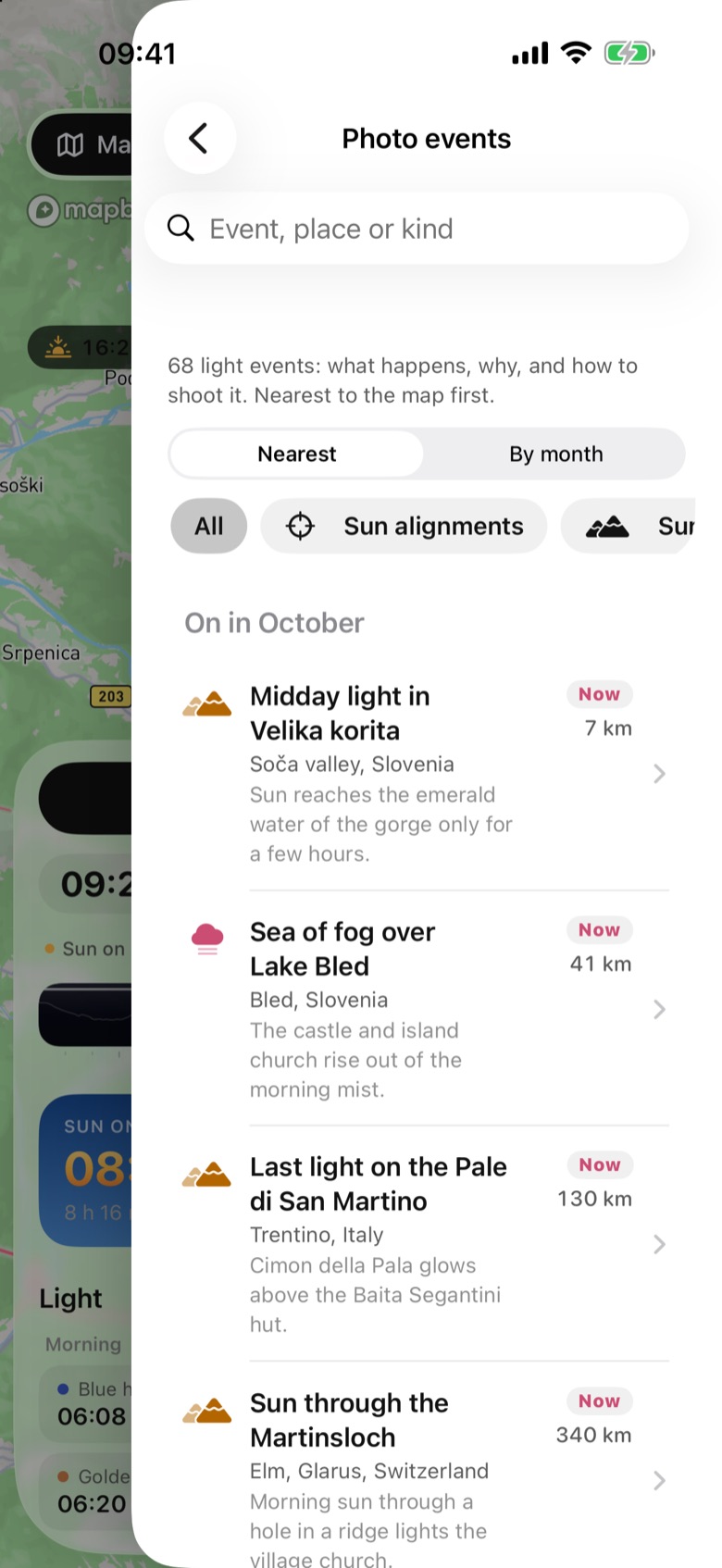
What it does
A list of 98 events in seven kinds: Sun alignments (Manhattanhenge, Stonehenge, Newgrange, Abu Simbel), Sun and mountains (the Martinsloch at Elm, Viganella’s sun mirror, Diamond Fuji, the Horsetail Fall firefall), Far north and south (midnight sun, polar night, the northern and southern lights), Night sky (meteor showers, the Milky Way, noctilucent clouds), Moon (moonbows, the harvest moon, earthshine) and Fog, water and life (sea fog, the Brocken spectre, synchronous fireflies, glowworms, glowing bays) and Lights and festivals (Yi Peng lanterns, Dev Deepawali in Varanasi, Hoi An’s full-moon nights, Vivid Sydney).
Each row has the place, a one-line summary, Now or the next month it happens, and the distance. Sort by Nearest or By month, filter by kind, or search.
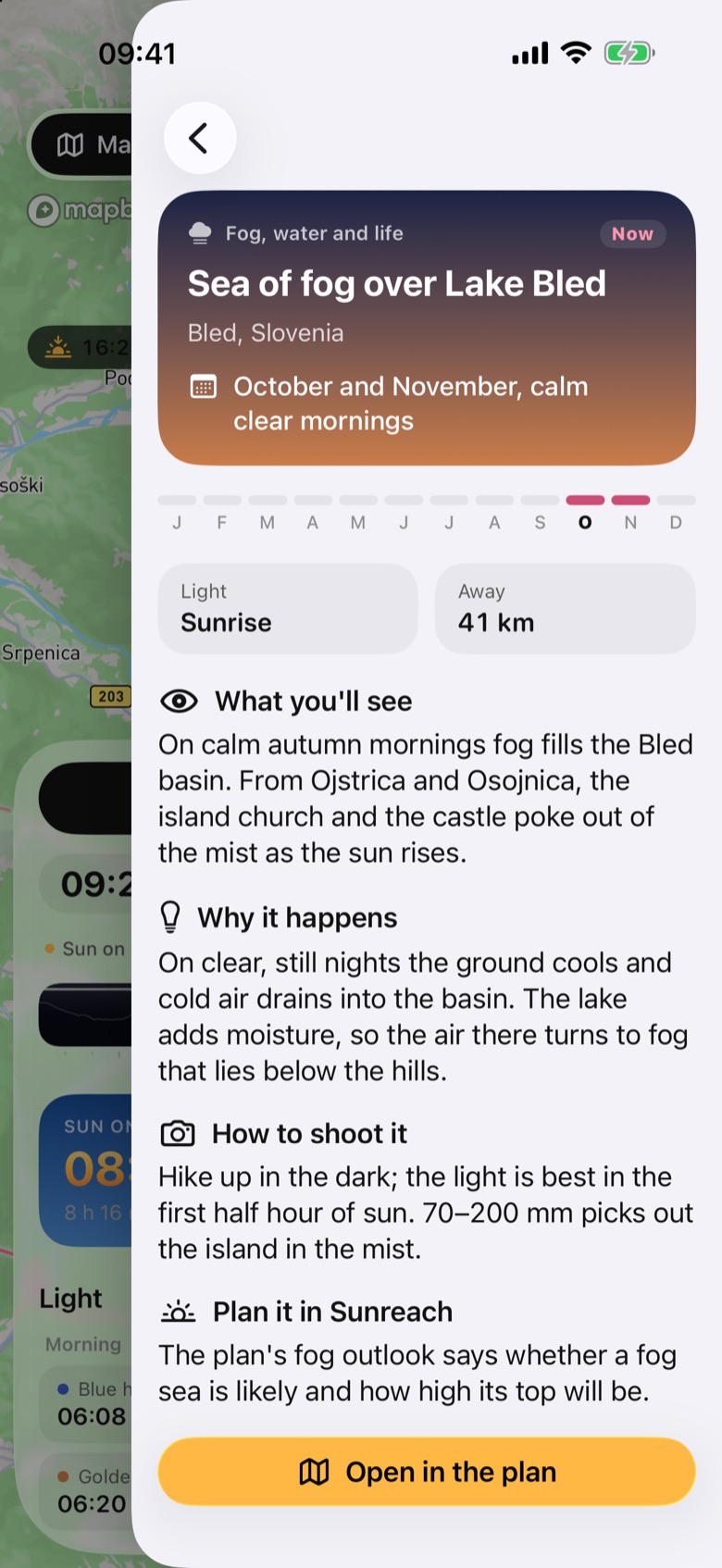
A tap opens the explanation: the date window, the months it happens, the light and the sun or moon bearing it needs, then What you’ll see, Why it happens, How to shoot it and Plan it in Sunreach. Open in the plan opens the event’s spot.
How it works
The catalogue is written by hand and bundled with the app, so it works offline. Opening an event runs the same terrain-aware plan as any other place; for alignments, Find dates gives this year’s exact days from the spot you stand on.
Events with no single place, such as meteor showers or the harvest moon, have no distance and no Open button: plan them from your own spot.
How to use it
- Tap ☰ (top right) and choose Photo events.
- Browse Nearest or By month, or tap a kind such as Sun alignments.
- Tap an event to read what happens and why.
- Tap Open in the plan to check the day, the light and the forecast for that spot.
In the app
Tips
- Start with By month: it shows what is coming up this month and next wherever you are.
Good to know
- Dates are given as windows (“around 28–30 May”); the exact day depends on where you stand, so check it in the plan.
- Months, not days, decide Now: an event early in the month still shows Now later in that month.
- It is a hand-written list; dates and places are still being checked. The app does not yet warn when the forecast spoils an event.